Getting color right on a print can feel impossible. You edit a photo. It looks perfect on screen. Then your printer spits out something completely different. Too red. Too blue. Too dull. That’s where Spyder PRINT steps in.
This tool helps you print what you actually see. It creates a custom color profile for your printer, paper, and ink. That profile tells your printer how to print colors more accurately. No guessing. No trial and error.
Spyder PRINT is built for people who care about their prints. Photographers. Designers. Artists. Print shops. Anyone who wants color they can trust.
Let’s break it down. What it does. What it includes. How it works. What people say. And whether it’s worth the price.
Contents
What You Get in the Box
Datacolor gives you what you need. No fluff. No filler.
- SpyderPRINT device
- SpyderGuide (a guide for scanning patches)
- USB cable
- Software (download)
- Quick start guide
- Cleaning cloth
- Hard case for storage
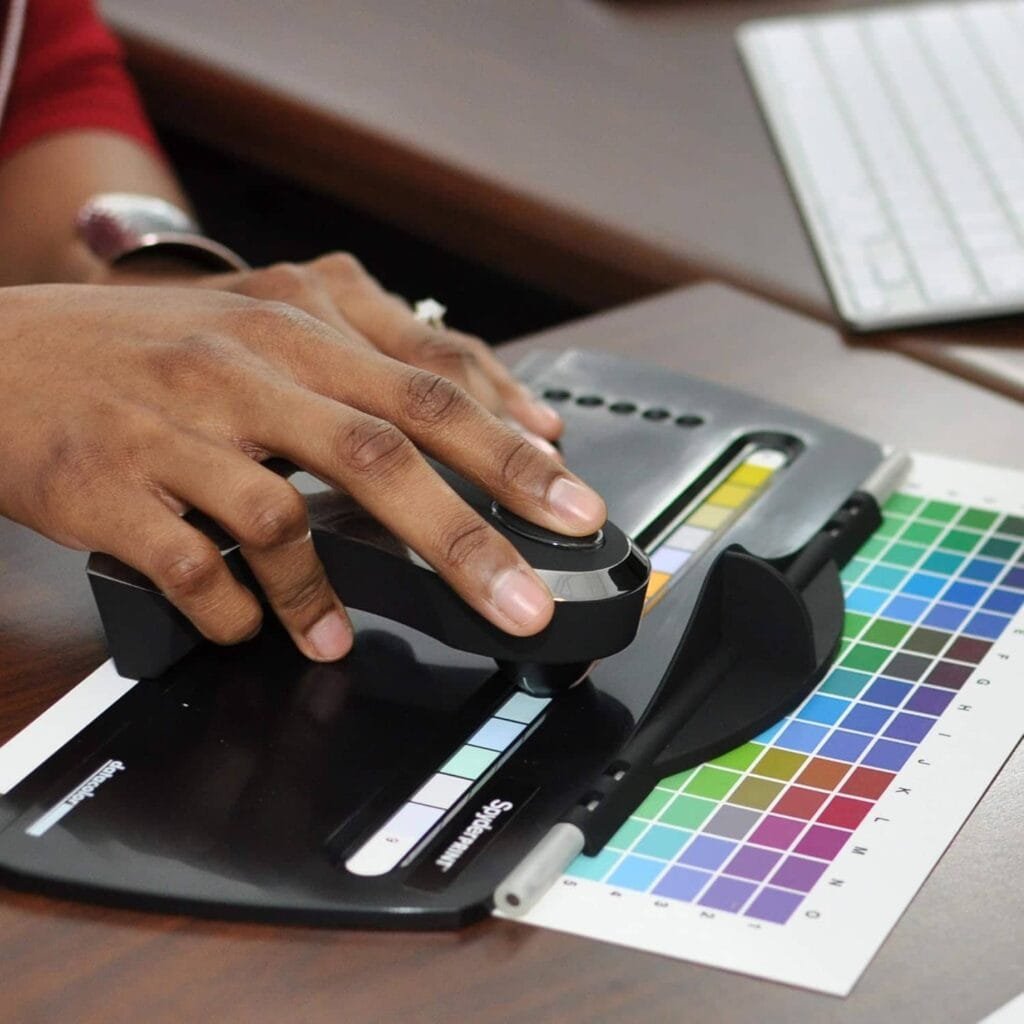
The device feels solid. It’s not heavy, but it’s built well. The Spyder Guide helps you scan printed rows smoothly. That matters. A bad scan can throw off your whole profile.
The software is a quick download. It runs on Windows and macos. Once installed, it walks you through each step.
What Spyder PRINT Actually Does
Your printer doesn’t see color the way your eyes do. It can’t. It prints using preset color settings. Those settings often miss the mark. Spyder PRINT corrects that.
It builds a custom ICC profile. That’s a set of instructions your printer follows. It tells the printer how to adjust its color output for your paper and ink. That means your prints start looking like your screen.
Here’s the process:
- Print a test sheet with color patches
- Use SpyderPRINT to scan each row
- The software compares your printer’s colors to known values
- It builds a custom color profile
- You save that profile and use it every time you print
Simple. Clean. Effective. And it works across different paper types and ink brands.
Key Features That Matter
Spyder PRINT doesn’t try to do everything. It focuses on doing one thing well—accurate color profiling. Here’s what makes it work:
Custom ICC Profiles
This is the core. You get one profile per paper-ink-printer combo. Each one is tailored to your gear.
Patch Target Options
Choose from 225 or 729 color patches. More patches mean better accuracy. Use the larger set if you want precision on skin tones, shadows, and highlights.
Spyder Guide
This helps you scan rows straight and smooth. It keeps your hands steady and makes the readings more accurate.
Spyder Proof
After making a profile, you print test images. These show portraits, landscapes, and color blocks. You check them against your screen to see the difference.
Brightness and Warmth Adjustments
Fine-tune your profile for slightly warmer or cooler tones. You can also control brightness levels.
Wide Compatibility
Supports most inkjet printers. Works well with Canon, Epson, HP. Also handles glossy, matte, fine art, and canvas paper.
Each feature solves a real problem. No extras. Just the tools you need for better prints.
How Easy Is It to Use?
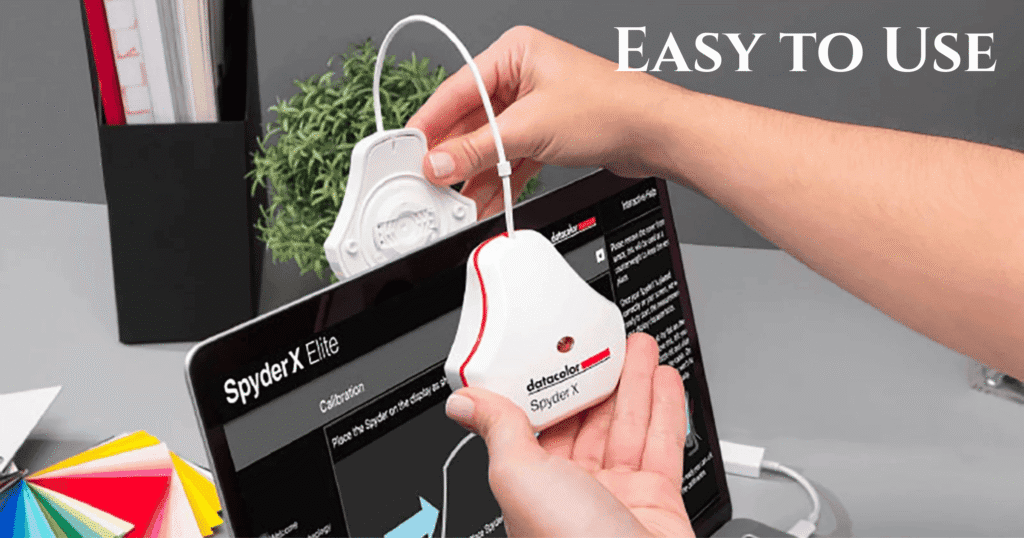
Setup is simple. You install the software. You print a target sheet. You scan it row by row. The software gives clear instructions.
Scanning takes a bit of care. You need steady hands. If you rush or misalign, the software catches it and asks for a rescan. That’s helpful. It protects you from building a bad profile.
Once done, the profile gets saved. You pick it from your printer settings next time you print. That’s it.
Most users report better prints right after the first setup. Color looks cleaner. Detail looks sharper. Skin tones look right. It makes a real difference.
Real-World Performance
Spyder PRINT gets high marks from users. Most say their prints look better after using it. Less trial and error. More confidence. Better results.
Skin tones look natural. Shadows hold detail. Highlights don’t blow out. Reds, greens, and blues stay balanced.
Some users notice a slight warm shift on certain paper types. You can fix this with a small adjustment in your editing software or in the Spyder PRINT profile settings.
The 729-patch scan takes time. But if you care about detail, it’s worth the effort. And once you make a profile, you don’t have to redo it unless you change ink or paper.
Datacolor Spyder PRINT: Pros and Cons
| Pros | Cons |
|---|---|
| Great color accuracy | Slight warm shift on some prints |
| Works with most inkjet printers | Scanning can be slow |
| Reduces wasted prints | Older-style software interface |
| Easy to use | Needs a steady hand during scanning |
| Profiles multiple paper types | No laser printer support |
Who Should Buy It
SpyderPRINT isn’t for everyone. It’s built for people who care about print quality and color accuracy.
Best for:
- Pro photographers
- Digital artists
- Graphic designers
- Print studios
- Schools and labs with shared printers
Skip it if:
- You print casual snapshots
- You use a cheap inkjet for basic tasks
- You don’t care about color consistency
If you print regularly and want better results, it’s a smart investment. It pays off in less wasted paper, better color, and more trust in your prints.
Price and Where to Buy
SpyderPRINT usually sells for $299 to $399 depending on the store. Look for bundles if you also need a monitor calibrator.
Trusted stores:
- Amazon
- B&H Photo Video
- Datacolor.com (official site)
Before you buy, check the return policy and software compatibility. Make sure your printer and system are supported.
What Users Say
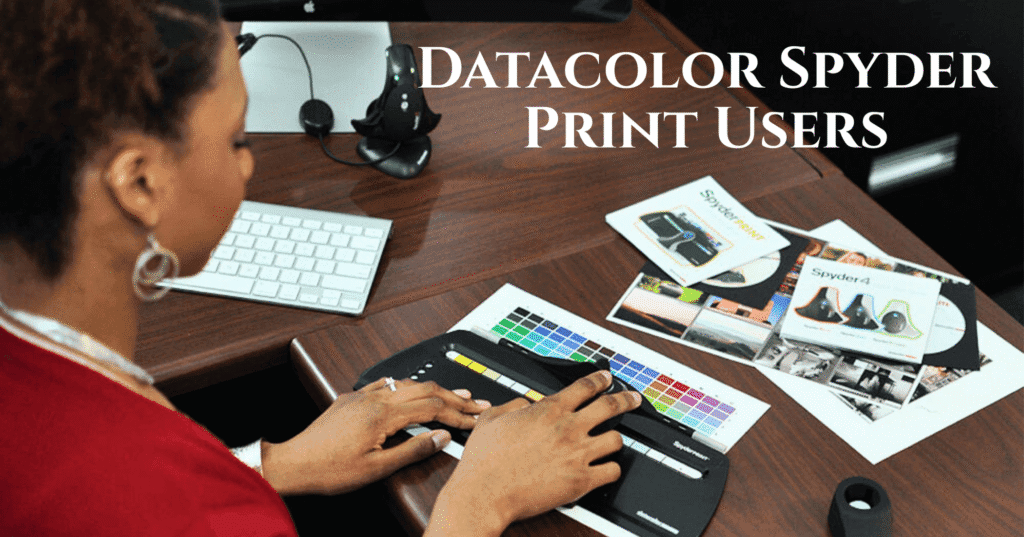
People who use Spyder PRINT notice the change. They stop wasting ink. They stop guessing. Their prints look closer to what they see on screen.
Artists and designers like the paper flexibility. Portrait photographers like how skin tones print better. Print shops like the consistent output.
The biggest complaints are about the scanning speed and the slightly old-looking software. But those don’t affect the quality of the prints. And most users say the learning curve is short.
Expert Verdict
Spyder PRINT is a solid choice for anyone serious about their prints. It doesn’t add fluff. It sticks to what works.
You get accurate profiles. You get better prints. You waste less paper. You save time. That’s what professionals need.
It’s not cheap. But it delivers value where it counts. And once it’s set up, it just works.
If you print for clients, sell your work, or just want better results, Spyder PRINT fits your workflow. It helps your printer speak the same color language as your screen. And that changes everything.
Datacolor Spyder PRINT FAQs
Does it work with laser printers?
No. It’s made for inkjet photo printers only.
Can I profile different papers?
Yes. You can make separate profiles for each paper type.
Do I need to redo the profile often?
Not unless you change paper or ink. Profiles last until something in your setup changes.
Can I use it on more than one computer?
Yes. You can copy and use ICC profiles on other machines.
Do I need a Spyder monitor calibrator too?
It helps. Calibrating both screen and printer gives the best results.